
Overview
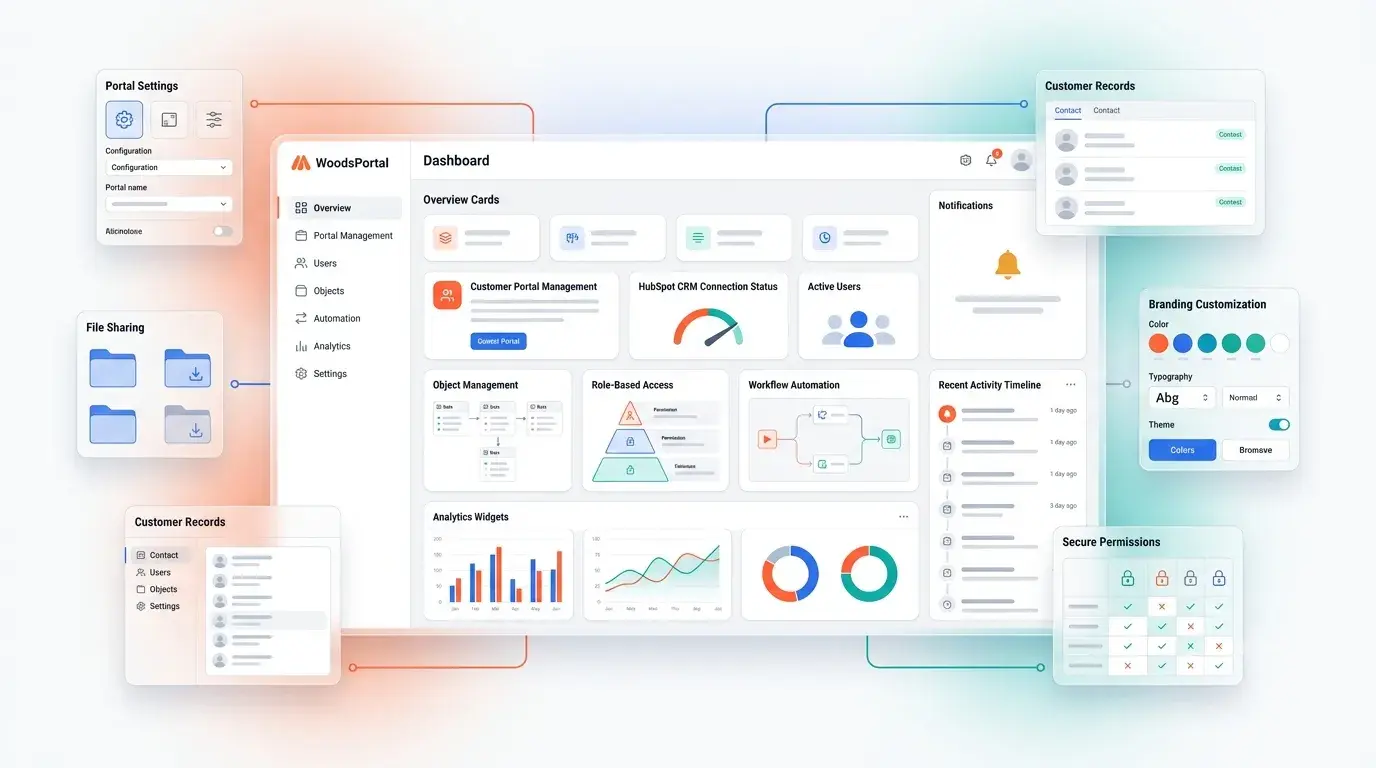
The WoodsPortal dashboard consists of three configurable UI components you manage in the HubSpot CMS editor. The actual data each component displays must be enabled in WoodsPortal Admin > HubSpot Objects:
-
Dashboard Cards: Dynamic, rich-text cards with CRM data and action buttons, displayed in either a stacked list or two-column grid.
-
Tab Visibility: A single Tab that surfaces Files, Notes, and Tickets at either the contact level, the company level, or both, for the logged-in user.
-
Right Sidebar Objects: Up to two object-record cards (standard or custom) shown in a card layout on desktop (hidden on mobile).
Dashboard Cards
-
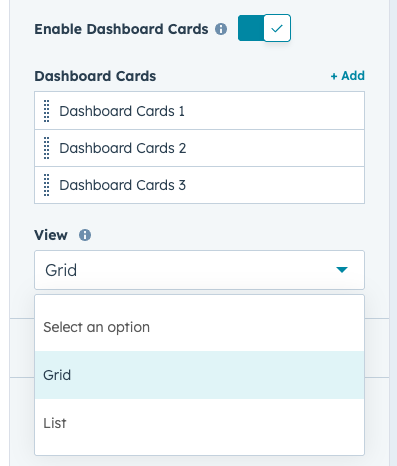
Enable: In the page editor’s Contents panel, toggle Dashboard Cards on.
-
Layout: Choose Stacked View (single-column) or Grid View (two-column).
-
Content: Click Add Card (or Edit) to configure:
Tab Visibility
-
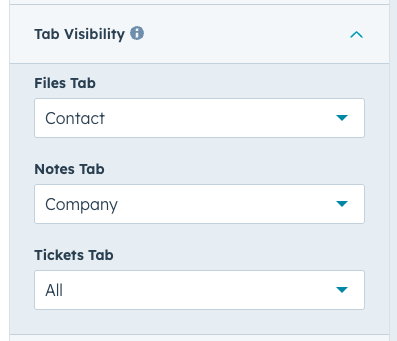
Enable: Click the Tab module in Contents.
-
Options: Toggle on any combination of Files, Notes, and Tickets.
-
Scope: For each option, choose to show records associated with the Contact, the Contact’s Company, or Both.
-
Data Control: Ensure those objects are activated under WoodsPortal Admin > HubSpot Objects > Associations.
Right Sidebar Objects
-
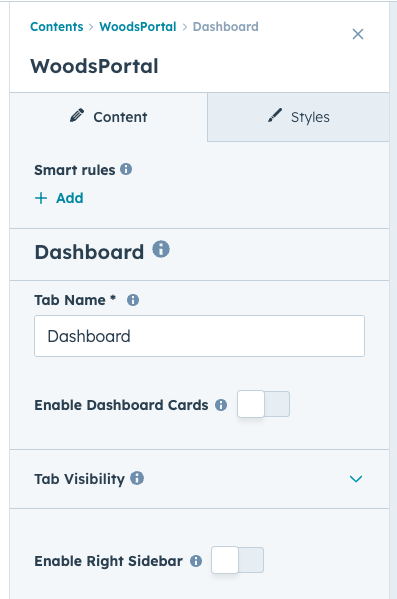
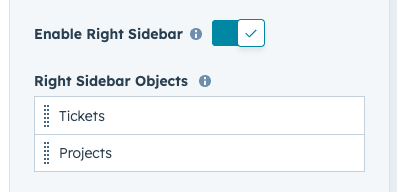
Enable: Click Right Sidebar in Contents and toggle on.
-
Cards: Select up to 2 HubSpot objects (standard or custom) to display.
-
Layout: Shown only on desktop; hidden on mobile.
-
Data Control: Only objects activated in WoodsPortal Admin > HubSpot Objects will render.